



Luckysheriff Mobile Platform
If you prefer to gamble on a smartphone along with a laptop or PC, the Luckysheriff app offers a convenient and easy way to access our online casino from any device. It takes seconds to install and runs on Android, iOS and Windows systems without a hitch. Lucky Sheriff players can enjoy our online slots, live dealer games and full platform functionality as they like it most.


Lucky Sheriff Casino Application: Key Features
We don’t want to limit our players to one location or device, so the Luckysheriff team created a progressive web application (PWA). It may sound complicated, but it is really simple to use. A PWA lets you install our platform directly from our website right to your mobile or tablet home screen.
The Lucky Sheriff Casino application works perfectly on any system, like Android and iOS. It has the full functionality of our website – same interface, full access to our 6,000+ game library, bonuses and account management. Our PWA is lighter than most native applications, so it will not take up a lot of your storage space. Moreover, it loads more quickly.
Here are the key features of the Luckysheriff Casino mobile version:
| Feature | Details |
| Instant access | Players can quickly get to Lucky Sheriff Casino without opening the browser. |
| Security | The app is as secure as the web platform, and you can also add Face or Touch ID login. |
| Native interface | The Luckysheriff app is optimized for any screen type and mirrors the website design, so you won’t feel the difference. |
| Push notifications | Users can enable push notifications on their main and lock screens to receive news on our events and promotions. |
| Live chat | You can contact our support team directly through the Luckysheriff app via the built-in chat. |
Aside from this, Luckysheriff PWA still works with a poor or unstable internet connection because it stores data in a local cache. That means users may not be able to play online, but can load our mobile casino and check their balance or game history even if they lose a signal.
Lucky Sheriff for Android
All Android users can install the Luckysheriff app directly from our website. There’s no separate kit to download from the Play Store. To create a shortcut, you can follow these steps:
- Open the Lackysheriff Casino website from your mobile browser.
- Find the three-dot menu in the top-right corner of the page.
- Scroll down until you see “Add to Home Screen.”
- Tap on it and confirm the action.
- You can rename the icon if you want to and place it anywhere on your screen.
Using the mobile casino app can be more comfortable than playing on a computer. For example, you can complete the verification process by submitting photos of your documents directly from your smartphone and not waste time transferring them to another device.
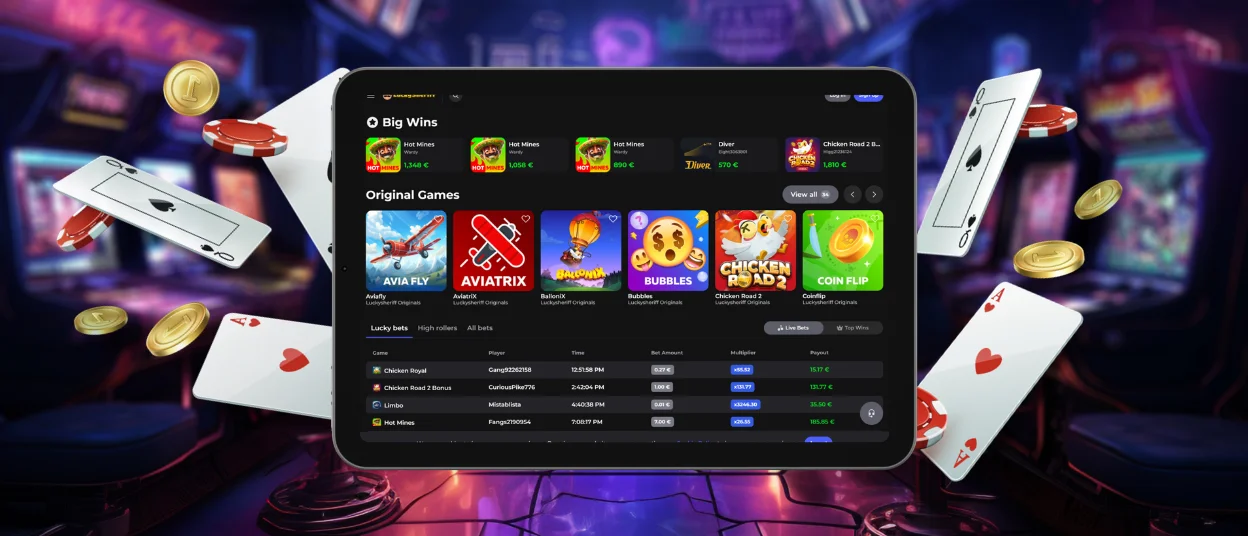
Luckysheriff App for iOS
iPhone and iPad users can also open the Lucky Sheriff Casino website in Safari and add the app to their home screen. To do so, tap the “Share” button at the bottom of the web page, then find “Add to Home Screen” and click it. There you have it – the application icon is on your screen, so now you can access your account anytime.
The app is optimized to work on all iOS devices – your gaming experience will not change, whether it’s the latest iPhone or older versions. The interface is also optimized for different screen sizes. The Luckysheriff app will not clog your phone memory, and you don’t need to update it manually.
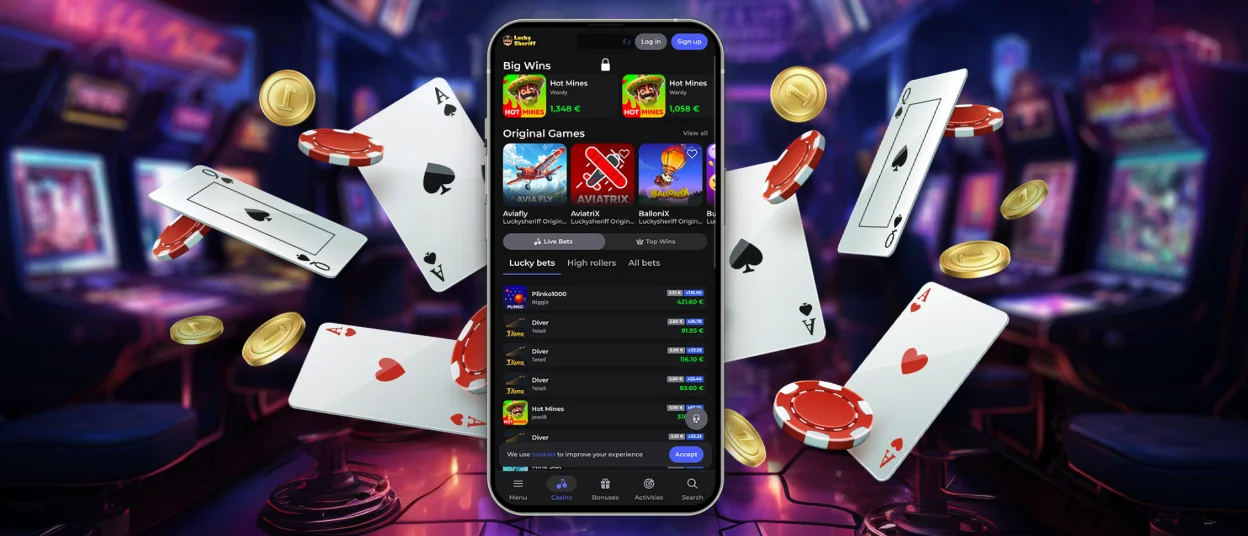
Desktop Version of Luckysheriff Casino
If playing on mobile is not for you, then you can still install the Lucky Sheriff app on a laptop or PC. It’s even easier than with Android and iOS.
First of all, open our website in the browser. Here, you will see the installation button in the search bar, which looks like a computer with a downward-pointing arrow. To add Luckysheriff Casino to your desktop, click on it.
Now you can open our platform directly through the installed icon. But of course, you don’t have to create a shortcut if you don’t want to. Our website seamlessly works in modern browsers like:
- Safari
- Opera
- Google Chrome
- Mozilla Firefox
- Microsoft Edge
The Lucky Sheriff app isn’t very demanding and runs on older devices as well, but it’s still better to have at least the latest version of the browser (if possible).
Cross-device Synchronization
You don’t need to worry about readjusting your account settings if you play at Luckysheriff Casino on mobile after using a laptop. All profile information immediately synchronizes across all your devices when you log in from the new one.
This way, you can add new titles to the list of your favorite games, check the login history, make financial transactions and more, no matter which device you choose to authorize from today.
FAQ
How can I update the Luckysheriff app?
You don’t need to worry about updates or download them separately. All changes we make to the website are automatically applied to the app in the background, so players can simply reopen or refresh the app to use the latest version.
Are live casino games accessible through the mobile app?
Yes, players can enjoy live casino games and any other titles from our collection through the mobile app. But long sessions can exhaust your phone battery a bit faster, so keep that in mind.
Does the app support touch-optimized controls?
For the comfort of our players, the Luckysheriff app is optimized for any screen size and supports touch control on mobiles and tablets.


